Why doesn't my clinic show up on Google Maps?
It's almost always one of seven things, and most of them can be fixed from your phone. What we found checking 42 clinic profiles by hand in Mexico.

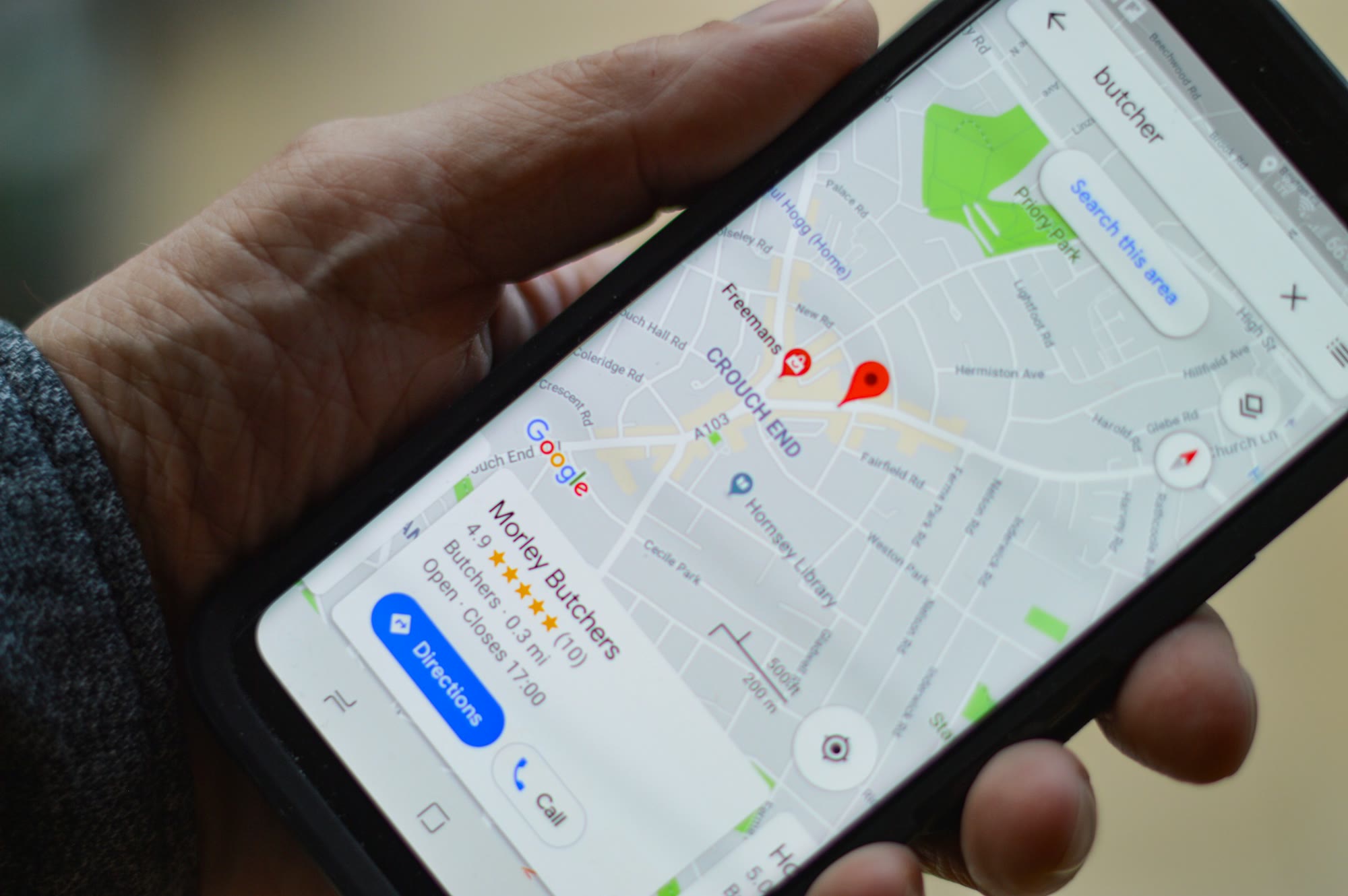
If your clinic doesn’t show up on Google Maps, it’s almost always one of seven things: you have no profile, it isn’t verified, it’s suspended, it has the wrong category, there’s a duplicate, the patient is searching far from you, or your profile looks weaker than the clinic next door. The first five take ten minutes to check. The last one is the most common, and the one nobody checks.
Google says it plainly: local results depend on three things: relevance (how well your profile matches the search), distance (how close you are to the person searching) and prominence (how well known and well rated you are). You can’t move closer to every patient. Everything else is up to you.
What we found in 42 clinic profiles
This month our team checked 42 clinic and medical-office profiles in Mexico by hand, in Google Maps. Every one of them showed up on Maps. The problem wasn’t existing, it was competing:
- 81% had no website linked on their profile.
- 57% had fewer than 10 photos.
- 57% had fewer than 20 reviews. The typical clinic had 16.
- 46% hadn’t received a new review in the last 90 days.
- The typical rating was good: 4.6 stars.
In other words, the quality of care wasn’t the problem. The patients who leave reviews are happy. What’s missing is everything around that rating: photos, recent reviews, a website to send the patient to. When someone searches “dentist near me”, Google puts the most complete and most active profile on top, not necessarily the best clinic.
An honest note: these are 42 profiles our team checked, not a sample of every clinic in the country. But the pattern repeats too often to ignore.
The 7 causes, and how to check each one
1. You have no profile (or it isn’t yours)
Search your clinic’s exact name on Google Maps. If nothing comes up, you have no profile. If it comes up with an option to claim the profile, it exists but nobody has claimed it, and anyone can suggest changes to your details.
What to do: create or claim the profile at business.google.com with a Google account that belongs to the clinic, not to the nephew who helped you in 2019.
2. It isn’t verified
An unverified profile may not show up, or may show details you don’t control. Google asks you to verify by video, phone, email or text, depending on the case.
What to do: open your profile; if you see a pending verification notice, finish it before anything else. Nothing else works without it.
3. It’s suspended
If your profile disappeared overnight, it may be suspended. The most common causes: keywords stuffed into the name (“Smile Dental Clinic – Cheap Dentist Implants”), an address that isn’t a place where you see patients, or many changes in a row.
What to do: use your real name, exactly as it appears on your sign. If you’re already suspended, Google has an appeal form; fix the cause first.
4. The primary category is wrong
The primary category is the strongest relevance signal. If you’re an orthodontist and your category says “Medical clinic”, you’re competing in the wrong search.
What to do: set the primary category to what the patient types (“Dentist”, “Physical therapist”, “Medical spa”, “Optician”) and add only the secondary categories that truly apply.
5. There’s a duplicate, or the doctor’s profile competes with the clinic’s
It happens a lot in healthcare: there’s the clinic’s profile, the doctor’s, and an old one at the previous address. Google gets confused and splits the reviews.
What to do: search your phone number and address on Maps. If there are duplicates, report them as duplicates. Google allows separate profiles for each practitioner in a clinic, but if you’re the only doctor, one profile is the right setup.
6. The patient is searching far from you
If someone searches “dentist” from across town, Google shows what’s close to them. It isn’t a bug; it’s distance.
What to do: check that the pin sits exactly on your door, that your address is complete and that your hours are right (Google prefers to show places that are open). For searches further away, the next cause is what counts.
7. Your profile looks weaker than the one next door
This is the most common cause, and it’s where most of the 42 profiles we checked were. Google compares and puts the most complete, most active profile on top.
What to do, in order:
- Link your website. If you don’t have one, a simple page with services, location and a WhatsApp button is enough to start.
- Upload real photos: the front of the building (so people find you), reception, treatment rooms, equipment and your staff. More than 10, and a few new ones every month.
- Ask for reviews every week, not all at once. A message after the appointment with the direct link works. Never buy or invent them: Google removes them and can suspend you.
- Reply to every review, good or bad, without sharing patient details. Replying shows there’s someone behind the profile.
- Fill in everything: services, hours (including holidays), phone, attributes and the Q&A section.
What doesn’t work
- Adding “cheap”, “best” or your neighbourhood to the business name.
- Buying reviews, or asking the family to leave five stars on the same day.
- Paying someone who “guarantees first place”. Nobody can guarantee it; Google doesn’t sell it.
- Changing the address or name every week to “test”.
Frequently asked questions
How long does it take for my clinic to show up after I create the profile? It depends on verification. Once verified, the profile can show up soon, but moving up depends on relevance, distance and how active the profile is, not on a fixed timeline.
Do I need to pay for ads to show up on Google Maps? No. Regular Maps results can’t be bought. Ads are marked “Sponsored” and are a separate thing.
Can I reply to negative reviews without breaching patient privacy? Yes. Thank them, don’t confirm the person is your patient or share treatment details, and invite them to talk by phone or in private.
Can each doctor at my clinic have their own profile? Yes, Google allows it for practitioners who see the public. If you’re the only doctor, use a single profile for the practice.
Want to know which of the seven is yours?
Our free scan checks how Google and AI assistants see you, and a person on our team sends you the result within one business day. If you’d rather we fix it for you, the Google profile tune-up completes your profile, and if you want, we look after it every month: reviews, photos and questions, always with your approval.