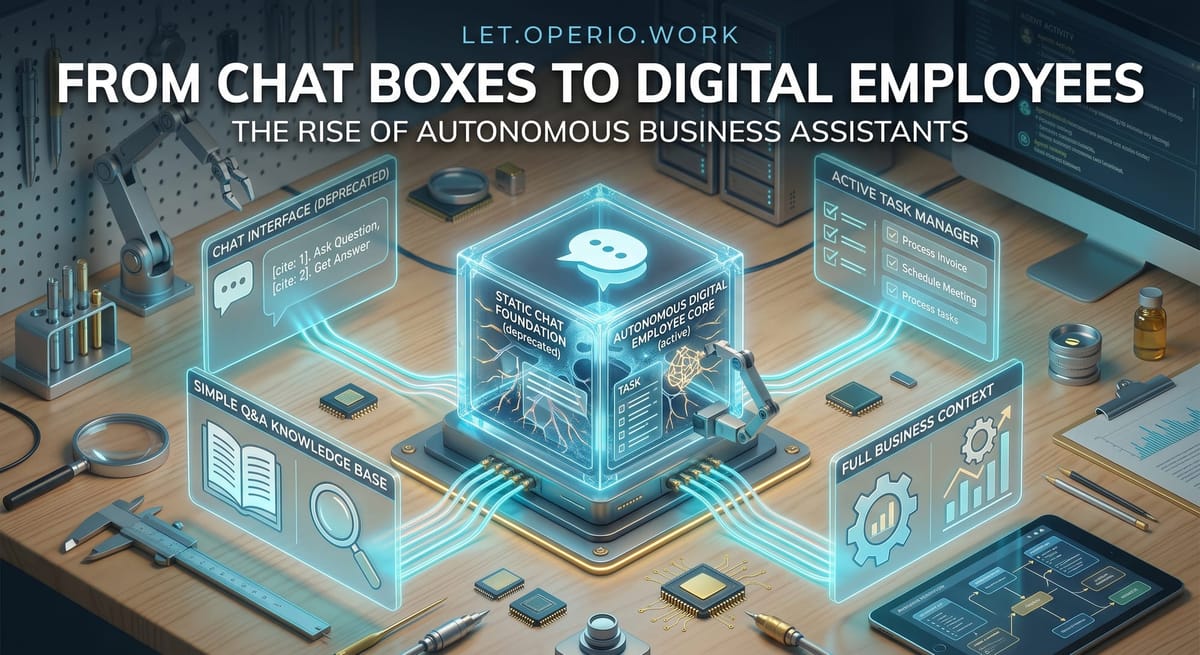
From Chat Boxes to Digital Employees: The Rise of Autonomous Business Assistants
A chatbot answers one question. A newer kind of AI does a whole multi-step job on its own — here's the real difference, and where the "digital employee" pitch oversells.

The question behind the chat box
You’ve almost certainly used the simple version by now. You type a question into a chat box, and a few seconds later a tidy answer comes back. Ask, answer, done. It’s handy for a quick draft or a “how do I word this” — but it’s still just you, at the keyboard, doing one round trip at a time.
Lately you’ll hear a bigger promise: AI that doesn’t just answer, but does the job. It reads the email, looks things up, updates the record, sends the reply — a “digital employee” that works while you’re doing something else. That’s a real shift, and it’s also where a lot of the overselling lives. So it’s worth being clear about what actually changed.
The plain answer
The difference comes down to one thing: how many steps the AI takes on its own before it hands anything back.
A chat box does one step. You give it a question, it gives you an answer, and it stops. It has no idea whether you used the answer, and it can’t go check anything — it only knows what you typed into the box.
The newer kind — usually called an AI agent (software that’s been set up to work through a task in steps, not just answer once) — runs in a loop instead. Give it a goal, and it works more like this:
- Figure out what needs doing first.
- Take one action — look something up, read a file, draft a message.
- Look at the result of that action.
- Decide the next step based on what it just found.
- Repeat until the job is done, or until it gets stuck.
That loop is the whole idea. Because it can look at the result of its own last step and decide what to do next, it can chain together jobs that used to need a person sitting in the middle — checking the order, then writing the reply, then filing it. And because it can be connected to your other tools — your inbox, your customer records, your calendar — it can actually do those steps, not just describe them.
A useful way to picture it: a chat box is like a knowledgeable colleague you catch at the counter for one quick question. An agent is more like handing a task to a junior assistant who goes away, works through the steps, and comes back with a finished result. That’s genuinely more useful. It’s also exactly why you need to be careful about what you hand over, which we’ll get to.
A concrete example
Say a customer emails: “Hi — did my order ship yet, and can I still add a second item?”
The chat-box way. You paste the email into a chat tool and ask for a reply. It writes something polite and professional in a few seconds. But it doesn’t know this customer, hasn’t seen the order, and has no idea about the second item. So you still do the real work: open your system, find the order, check whether it’s shipped, check whether it can still be changed — then come back and fix the draft with the actual facts. The AI wrote the easy part. You did the part that mattered.
The agent way. You give the agent one standing instruction: when a customer emails about an order, look up their account, check the order status, and draft a reply with the real details — flag anything you’re unsure about for me. Now, when that email lands, it reads the message, pulls up the account, checks that the order shipped this morning, sees the item can’t be added because the order’s already gone out, and drafts a reply that says exactly that — with a suggestion to place the second item as a new order. It leaves the draft for you to glance at and send.
Here’s the honest math. Handled by a person, that one inquiry — read it, look up the account, check the order, write a grounded reply — is maybe eight minutes. If that person costs you, fully loaded, around $30 an hour, that’s about $4 of staff time per inquiry. The agent does the routine lookups-and-draft in seconds for a few cents of usage, and your job shrinks to a one-minute glance-and-send — call it $0.50 of your time.
So a $4 task becomes a roughly $0.60 task. On one email that’s nothing. But if a support coordinator handles forty of these a day, you’ve turned most of a five-hour job into a bit under an hour of reviewing — and you’re paying a few dollars of usage instead of most of a day’s wages for the routine ones. The wins show up when the same multi-step job repeats a lot.
The honest caveats
This is where the “digital employee” phrase starts writing cheques the technology can’t cash. Four things to keep straight:
A wrong first step poisons the rest. Because the agent builds each step on the last one, an early mistake doesn’t stay small — it compounds. If it grabs the wrong customer’s account on step one, every step after that is confidently, thoroughly wrong. A chat box gets one thing wrong; an agent can get a whole chain wrong before it stops. So the review at the end is not optional, and the higher the stakes, the more you check.
“Autonomous” should not mean “unsupervised with the keys.” The moment an agent can act — send emails, move money, change records, delete things — a mistake stops being a bad paragraph and becomes a real event. Decide up front what it’s allowed to do on its own and what it must hand to a person: drafting a reply, fine; issuing a refund or emailing your whole list, only with a human pressing the button. Give it the narrowest set of permissions the job needs, not the run of the place.
It’s a poor fit for judgment-heavy or one-off work. Agents earn their keep on repetitive, rule-shaped jobs that happen often — the same lookup-and-reply, the same intake steps, over and over. For a call that needs real judgment, or a task you’ll do once, the time you spend setting up and supervising the agent costs more than just doing it yourself.
It is not, in fact, an employee. The metaphor is handy but it oversells. There’s no one there who understands your business, feels accountable, or notices that something is off in a way nobody wrote a rule for. It does the steps it was set up to do, quickly and tirelessly, and no more. Treat it as a very fast assistant that needs clear instructions and a final check — not as a hire you can stop thinking about.
The takeaway
The real change isn’t that AI got smarter overnight. It’s that it went from answering one question to working through several steps on its own — reading, looking up, acting, checking, and moving to the next step. That’s what makes a “digital employee” more than a chat box, and it’s genuinely useful for the repetitive, multi-step jobs that eat your team’s day.
If you want to try it, start where the payoff and the safety are both highest: pick one routine job that has clear steps, happens often, and is cheap to get wrong — sorting incoming requests, drafting standard replies, pulling together a recurring summary. Let the agent do the steps and draft the result, keep a human on the send button, and count the review time as part of the cost. Get one of those working well before you hand over anything that can spend money or reach a customer unsupervised.